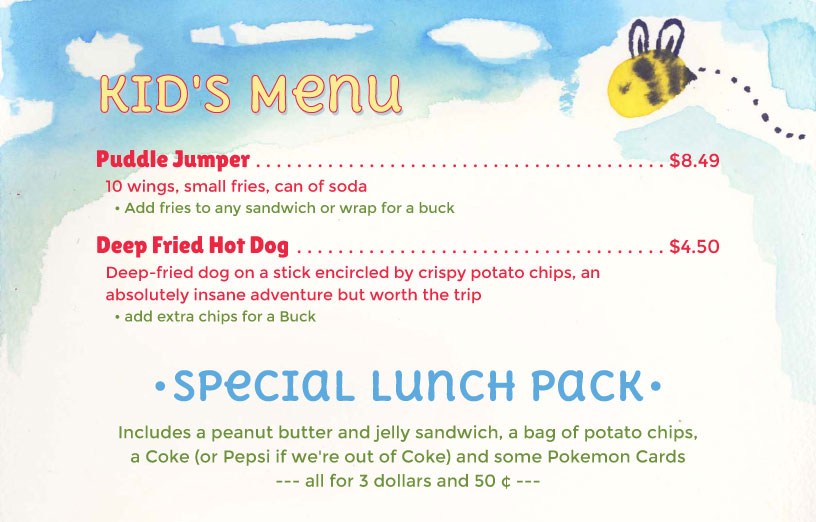
Kids Menu using The Buzzy Bee menu style
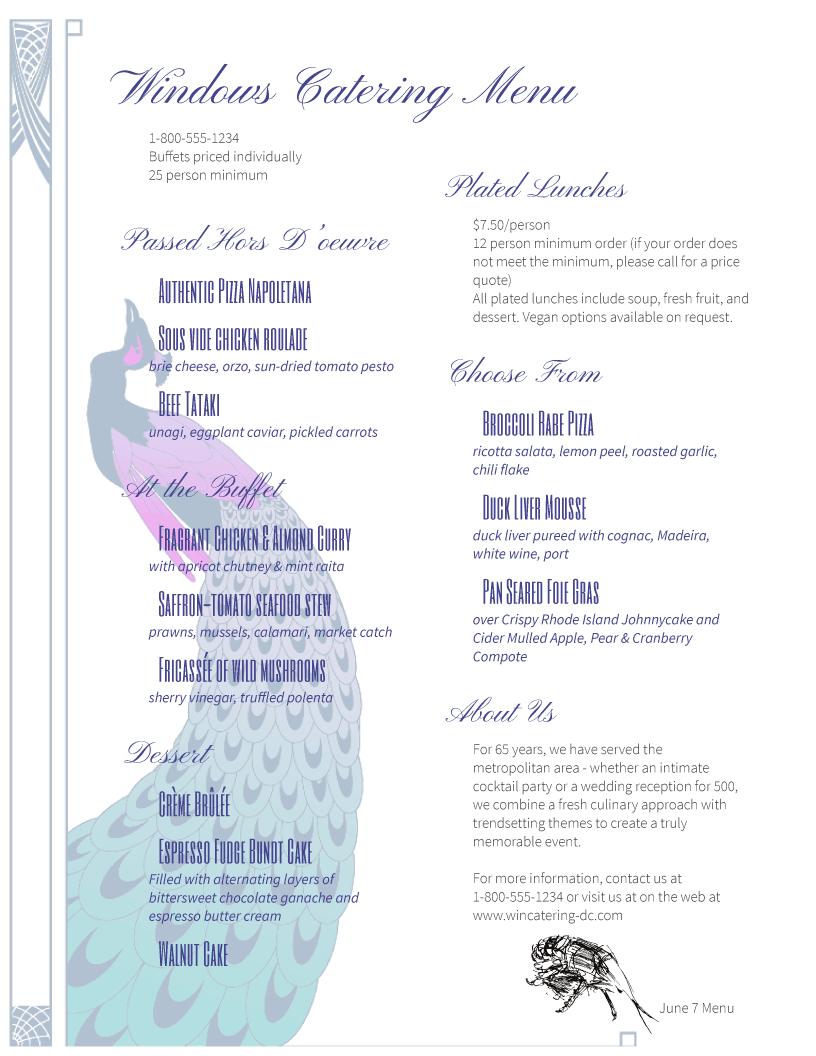
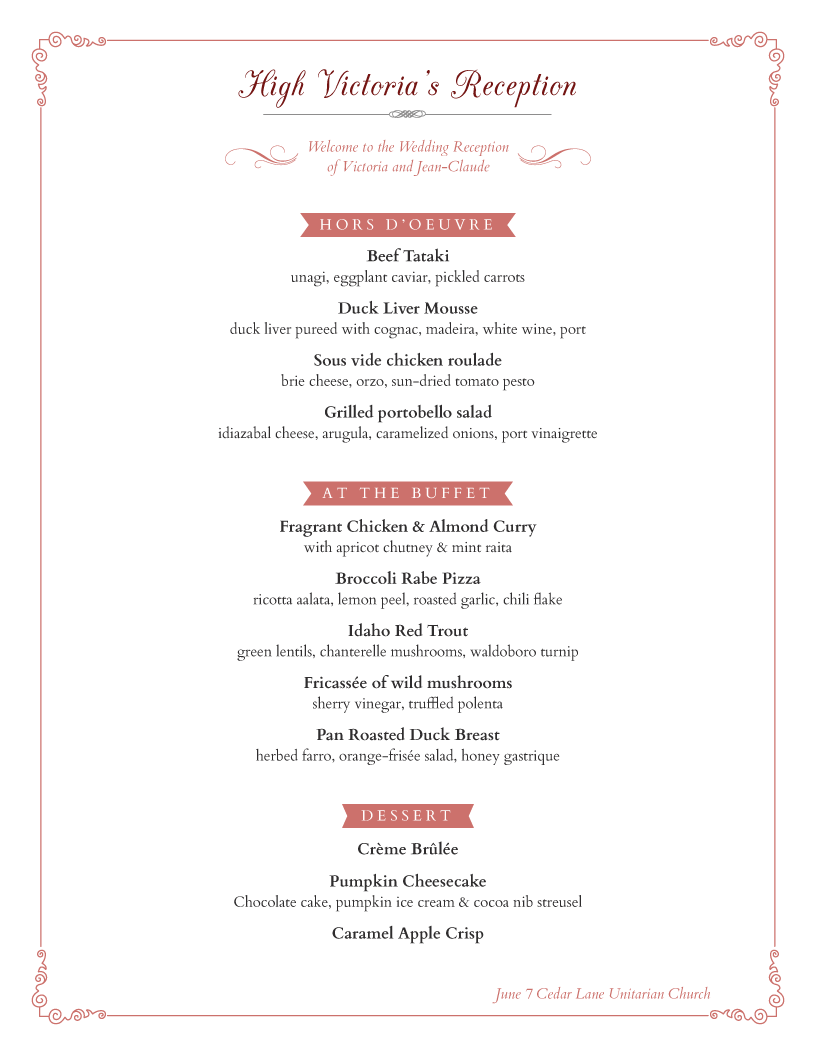
Any menu style can be used to create a Kids Menu or menu for children, but a few are particularly well suited. You can of course create any size as well, so they can be square too. Catering menus and Wedding Menus are also a breeze with iMenuPro.
Start with a new blank menu using File > New Menu
If you want a square menu, use File > Page Setup and choose Paper Size > Custom and enter a width of 8“ and a height of 8“ (you can vary these numbers depending the final menu size you want).
Drag and drop a few headings and items to the menu.
Change the Menu Style for your Kids menu using Design > Switch Menu Styles. Some good choices for Kids menus are The Buzzy Bee and Shanty Up but you can use any style and can also swap any kid-friendly background such as Kids Alien or Vintage Softie.
Add some kid-friendly graphics from our Ai Collection Pen and Ink Drawings using Insert > Artisan Image (images can be re-sized, colorized, or positioned anywhere on the page).
Rename and save your kids menus using File > Rename Menu and File > Save Menu.
Kids Menu using The Buzzy Bee menu style